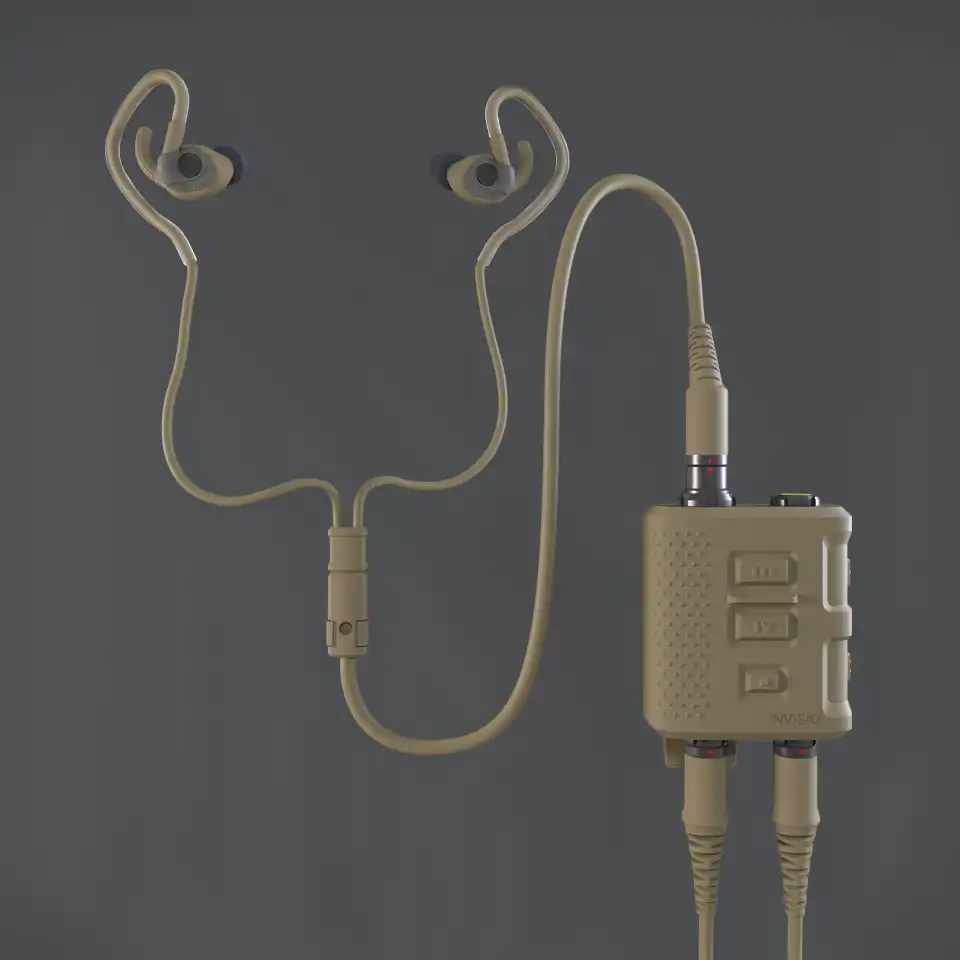



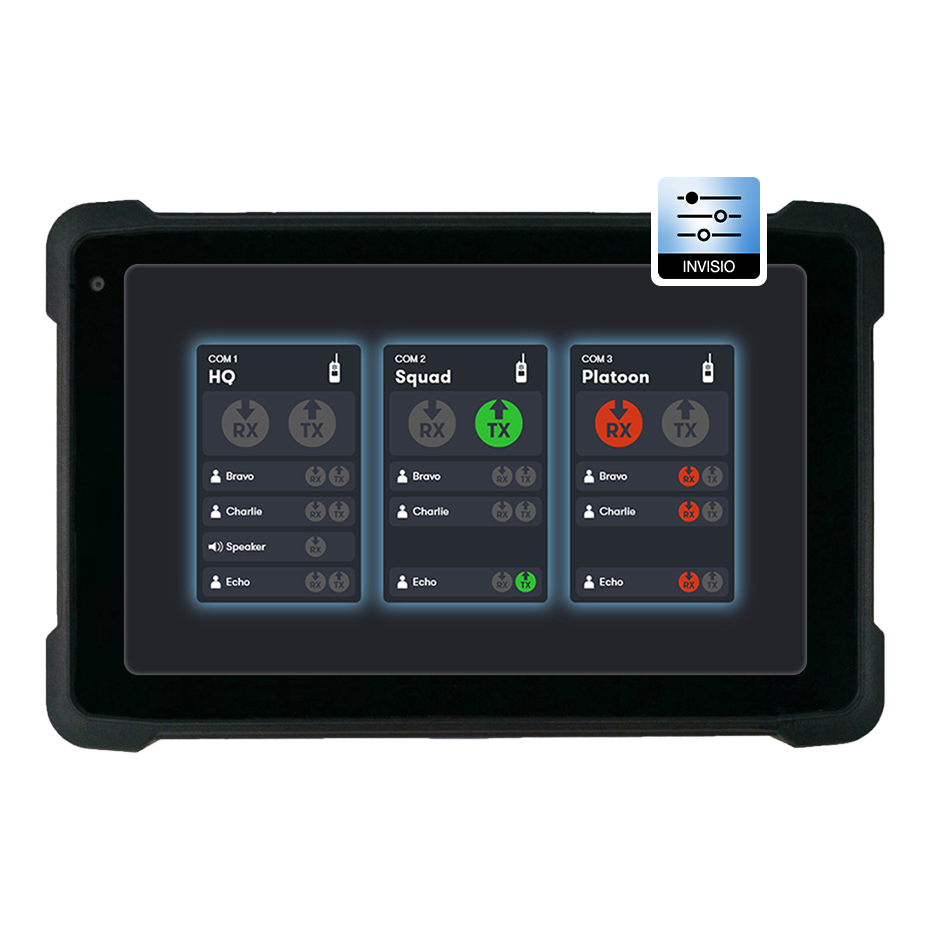
The INVISIO Control™ app provides military and public safety professionals access to manage their INVISIO Intercom system pre-mission or on the go.
Via an intuitive interface users can get an overview of the communication at all times, control and adjust access rights and change audio settings.
The solution is available as a Windows or Android app or as an API that can be integrated into existing systems, such as navigation- or battle management systems.

Tailor the radio setup for the mission and assign relevant user access

Change volume for all or individual users, add/remove team members and change radio access to new additions without programming cables

See all the intercom settings, control and adjust access rights, change audio, and get an overview of the communication at all times

Available as a Windows/Android app or API that can be integrated into an existing system
Tailor the radio setup for the mission and assign relevant user access
Change volume for all or individual users, add/remove team members and change radio access to new additions without programming cables
See all the intercom settings, control and adjust access rights, change audio, and get an overview of the communication at all times
Available as a Windows/Android app or API that can be integrated into an existing system
Visualize all incoming and outgoing radio traffic effortlessly with INVISIO Control™ app. Easily identify who is communicating and how by viewing all radios connected to the INVISIO Intercom system.
The main visual feature distinguishes incoming (red) and outgoing (green) radio traffic. This ensures you can always identify which radio is communicating, which is particularly useful when multiple communications are occurring simultaneously or when users are unsure which radio is active.
Download flyer
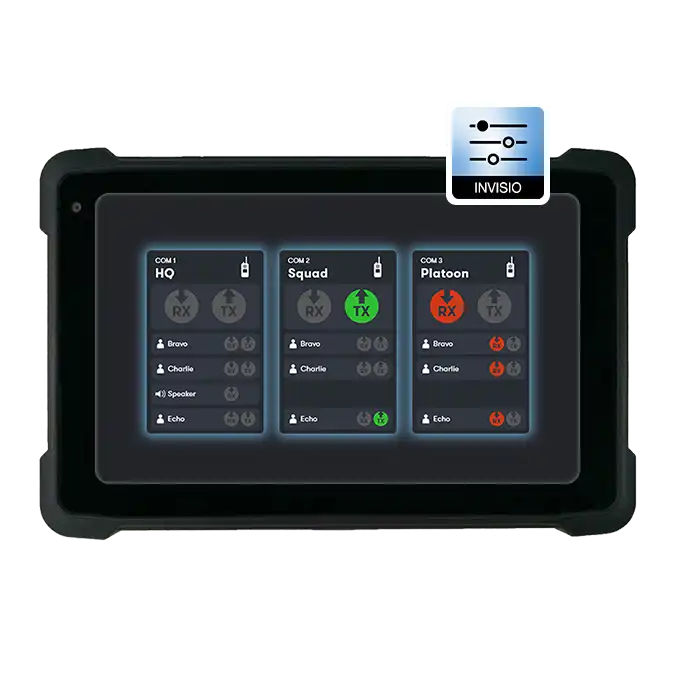
The INVISIO Control™ App lets you visualize and manage your INVISIO Link™ system with ease. Monitor pairing and users, adjust Link signal range to match the operational environment and switch the radio transmission on or off when needed - all from a clear, intuitive interface.
More on INVISIO Link™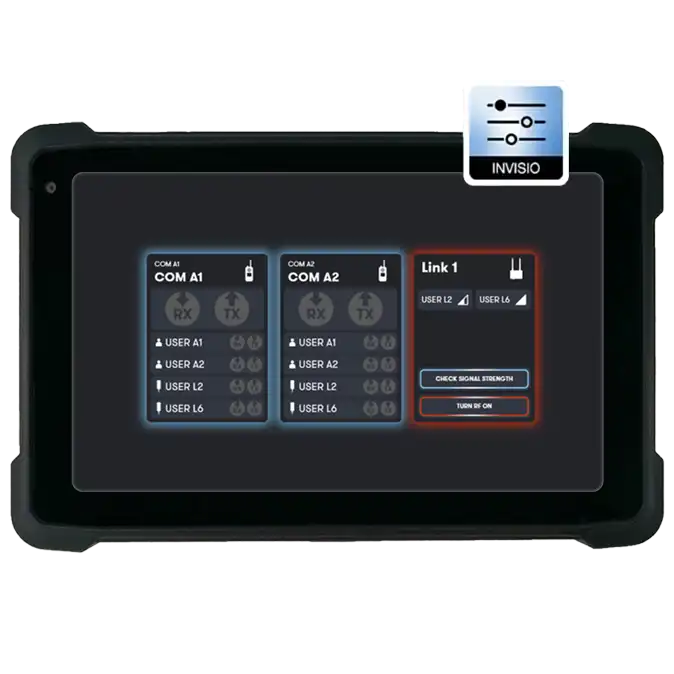
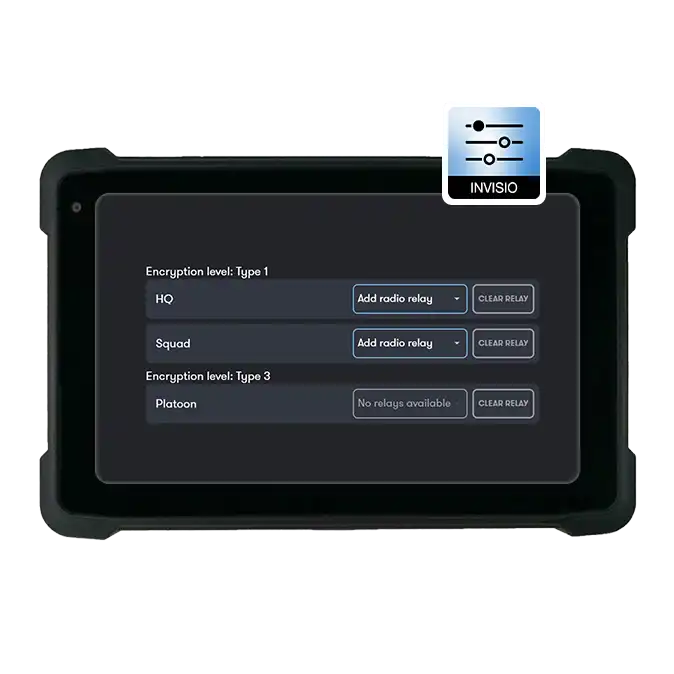
Experience seamless radio relay and crossbanding capabilities with the INVISIO Control™ app. With just a simple click, you can relay or crossband radios connected to the INVISIO Intercom system.
To ensure secure operations, the app incorporates a robust "two-factor authentication" mechanism. This extra layer of security prevents the relay of encrypted radios not meant for transmission.
To get INVISIO Control™ contact your sales representative or send us an email to info@invisio.com.
The app is available for Windows 10/11, Android (Android OS 5.0 and up), and as an API that can be integrated into an existing system.
The app utilizes the API the same way as 3rd party integrators.
In the app we show the full functionality, whereas integrators can decide to only show part of it.
Any changes done with the app/API only exist as long as the INVISIO Intercom system is powered. As soon as the Intercom is tuned off, any changes are removed and when the system starts it will read the cable setting.
Please send as an email to info@invisio.com, and we will get back to you as soon as possible.
The INVISIO Control™ app is currently only used in conjunction with the INVISIO Intercom system or the INVISIO Link™– either as a stand-alone app or as integrated in 3rd party systems.
To use the app both in connection with the Intercom and the Link station an INVISIO switch is required. All three products (The Intercom, Link station and PC/tablet/phone) are connected to the switch.